


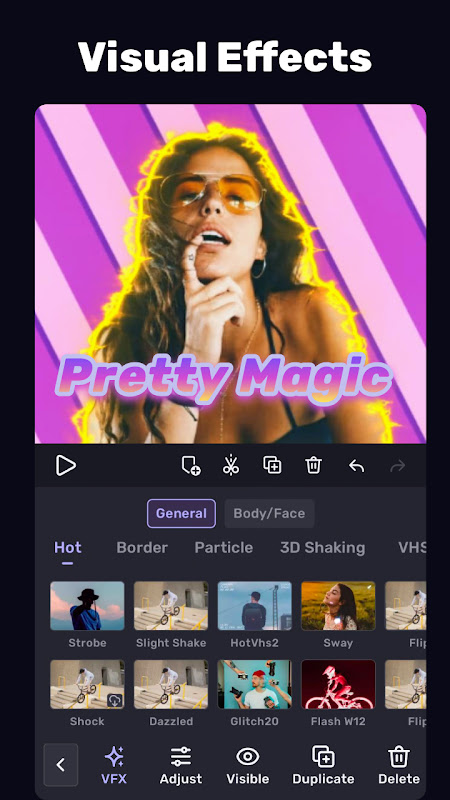
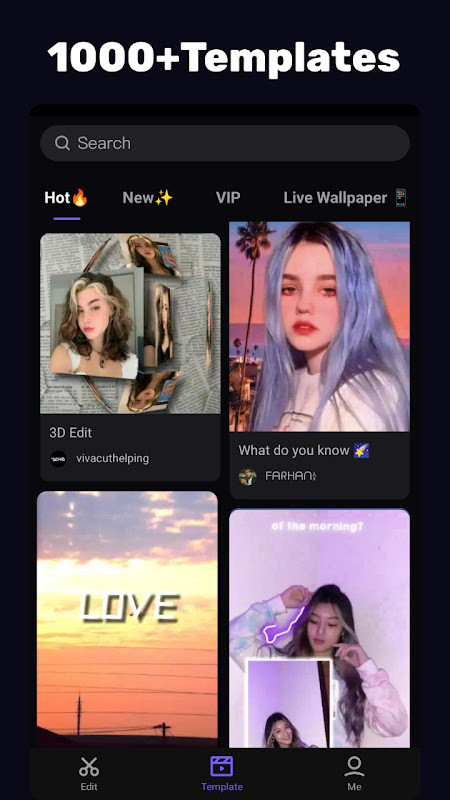
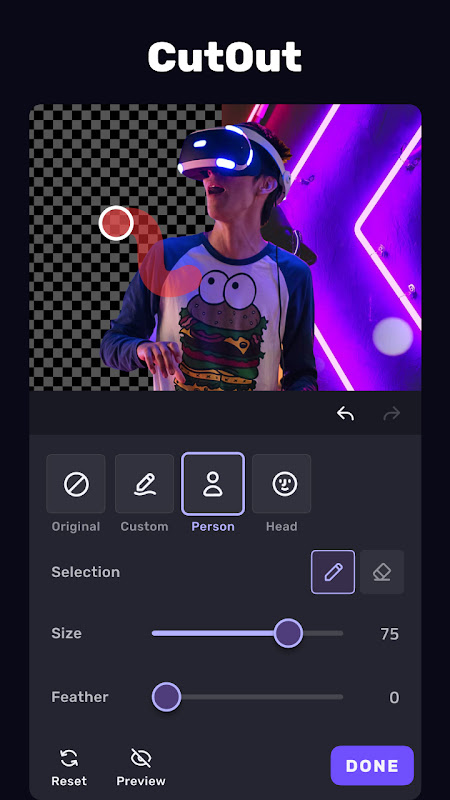
VivaCut revolutionizes mobile video editing by combining professional-grade tools with intuitive smartphone operation. This powerful Android application enables creators to produce studio-quality content directly from their devices, eliminating the need for complex desktop software. Content creators, social media enthusiasts, and aspiring filmmakers will appreciate how VivaCut transforms raw footage into polished visual stories with remarkable efficiency and creative control.
Professional Editing Made Accessible
VivaCut delivers sophisticated editing capabilities that rival desktop applications while maintaining mobile-friendly operation. The timeline interface provides precise control over every element of your project, allowing frame-accurate trimming and seamless clip arrangement. Advanced features like keyframe animation and chroma key functionality enable creators to implement Hollywood-style effects without technical expertise. The application maintains high-resolution output quality throughout the editing process, ensuring your final video looks professionally produced.
Multi-Layer Timeline Precision
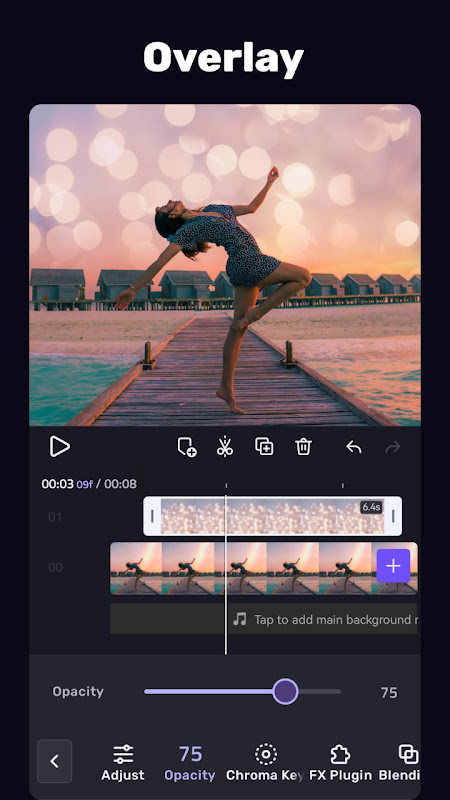
The application’s multi-layer architecture represents a significant advancement in mobile video editing technology. Users can stack video clips, images, text, and stickers in separate layers while maintaining complete editing flexibility for each element. This layered approach enables complex compositions where background footage, foreground objects, and text overlays interact harmoniously. Real-time preview capabilities allow instant visualization of changes, streamlining the creative workflow and reducing editing time significantly.
Advanced Color Grading Tools
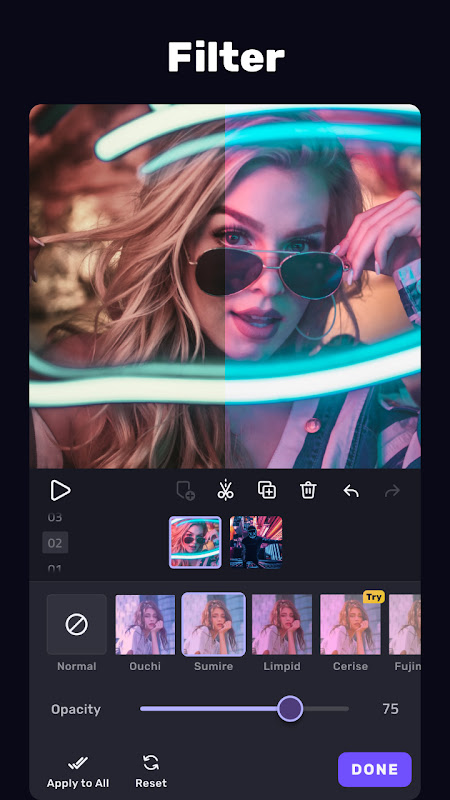
VivaCut provides comprehensive color correction tools that empower users to establish distinct visual moods and styles. The color grading panel includes adjustable parameters for exposure, contrast, saturation, and temperature alongside professional features like curves and color wheels. Preset filters offer quick styling options while manual controls enable fine-tuning for specific lighting conditions or artistic preferences. These tools ensure videos maintain visual consistency and professional appearance across different scenes and shooting conditions.
Keyframe Animation Capabilities
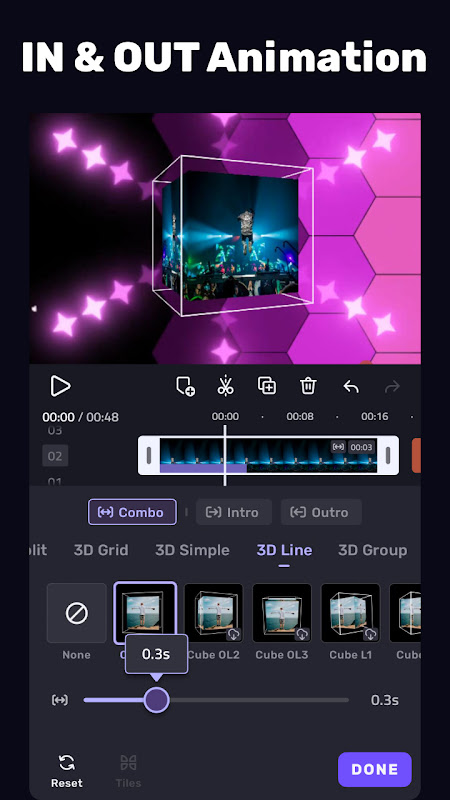
The keyframe animation system introduces dynamic motion to static elements within video projects. Users can create smooth movement paths for text, stickers, and overlay graphics by setting position keypoints at different timeline intervals. This functionality enables sophisticated title sequences, animated logos, and moving graphics that enhance storytelling impact. The intuitive interface simplifies the animation process while providing precise control over movement speed, trajectory, and timing synchronization with audio elements.
Professional Audio Enhancement
Audio quality receives equal attention through VivaCut’s comprehensive sound editing toolkit. The application supports multiple audio tracks that can be mixed and balanced independently, including separate controls for original video audio, background music, and voiceover recordings. Audio ducking automatically lowers background music volume when dialogue is present, while fade effects create smooth audio transitions. The equalizer presets optimize sound for different content types, from vlogs to music videos to documentary-style productions.
Seamless Social Media Integration
VivaCut addresses the specific requirements of social media content through optimized export settings and aspect ratio presets. The application supports vertical, square, and horizontal formats tailored to platforms like Instagram, TikTok, and YouTube. Export configurations balance file size with quality, ensuring quick upload times without compromising visual integrity. Direct sharing functionality streamlines the process of publishing content across multiple platforms, maintaining workflow efficiency from editing to publication.

Leave a Comment